Sean Murphy / AI & automation
AI I use every week.
Automations, tools and imagery that run in my real marketing work: what I have set up and what it produces.
Automations
Less manual work,
more decisions.
Recurring jobs I've automated, so time goes to decisions instead of exports and formatting.
Reporting
Always-on performance reporting
Ad platforms, Shopify and web analytics are pulled into one place on a schedule, so the weekly review starts from the numbers instead of from exports.
Research
Keyword and topic research
Search data is clustered into the topics and scenes worth producing, then fed straight into the content and creative queue.
Creative
Image and video production line
Basic renders become lifestyle scenes, people and short video, sized and named for each placement automatically.
Lifecycle
Email build and QA helpers
Drafts, subject-line variants and link and rendering checks are handled in a repeatable pass before anything is scheduled.
Operations
Alerts and anomaly flags
Spend spikes, tracking gaps and stock-outs that affect ads surface as flags rather than as end-of-month surprises.
Built with AI
Tools I built,
not bought.
Dashboards and tools made with AI, each closing a real reporting or workflow gap.
Dashboard
AI-built reporting dashboard
A multi-channel dashboard with date ranges, period comparison, goals, promo overlays and automatic insights. Built and iterated with AI end to end.
This site
The portfolio you are on
Designed, written and shipped with an AI coding agent: components, motion, data, deploys.
Tooling
Small scripts and internal tools
Bulk edits, naming and resizing, feed checks, data clean-ups: the small jobs that used to eat afternoons.
The connected stack
AI connected to
the real stack.
MCP, command line and live data sources, so AI works from actual numbers.
MCP
Connected tools
AI connected directly to the marketing stack through MCP servers, so it can read campaign, store and email data instead of working from pasted screenshots.
CLI
Command line workflows
Repeatable commands for builds, deploys, data pulls and file handling, run by me or by an agent with me approving the risky steps.
Data
Source connections
Ad platforms, storefront and analytics joined on one date and channel model, so numbers from different tools finally agree.
The workflow
A repeatable
production line.
A step-by-step AI process that has run for months and applies to any product line.
- 1
Inputs
Basic product renders, room and venue references, and SEO keyword research that decides which topics and scenes are worth producing.
- 2
Generate
AI turns raw renders into polished lifestyle scenes, adds people matched to the brand's real customer, and produces video, including creator-style clips.
- 3
Finish
Selection, correction and resizing for each placement: paid social, email, product pages, blog and sales decks.
- 4
Ship & measure
Published into campaigns and tracked in the reporting dashboard, so what works gets more of the next batch.
AI imagery
Creative without
the shoot day.
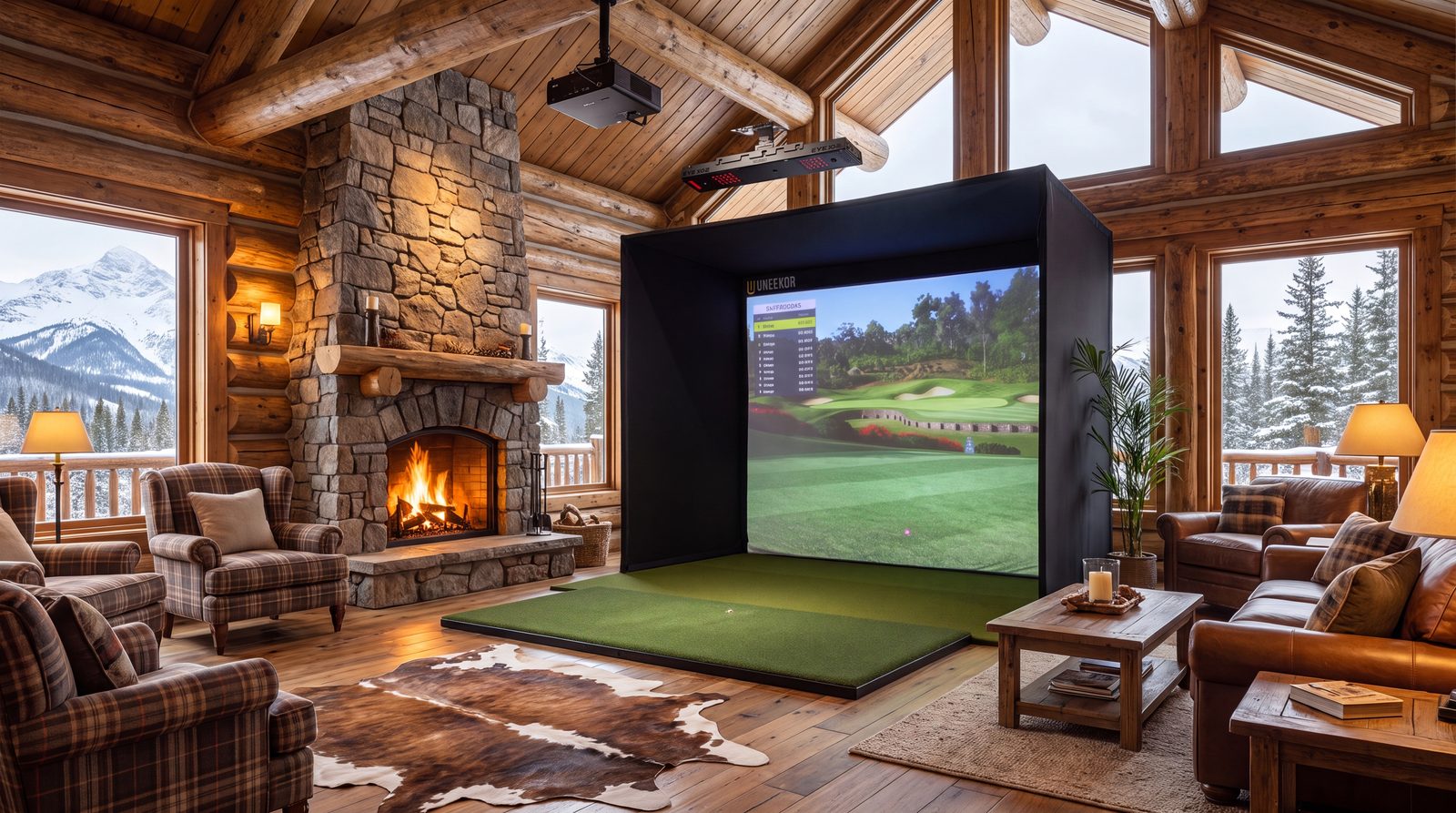
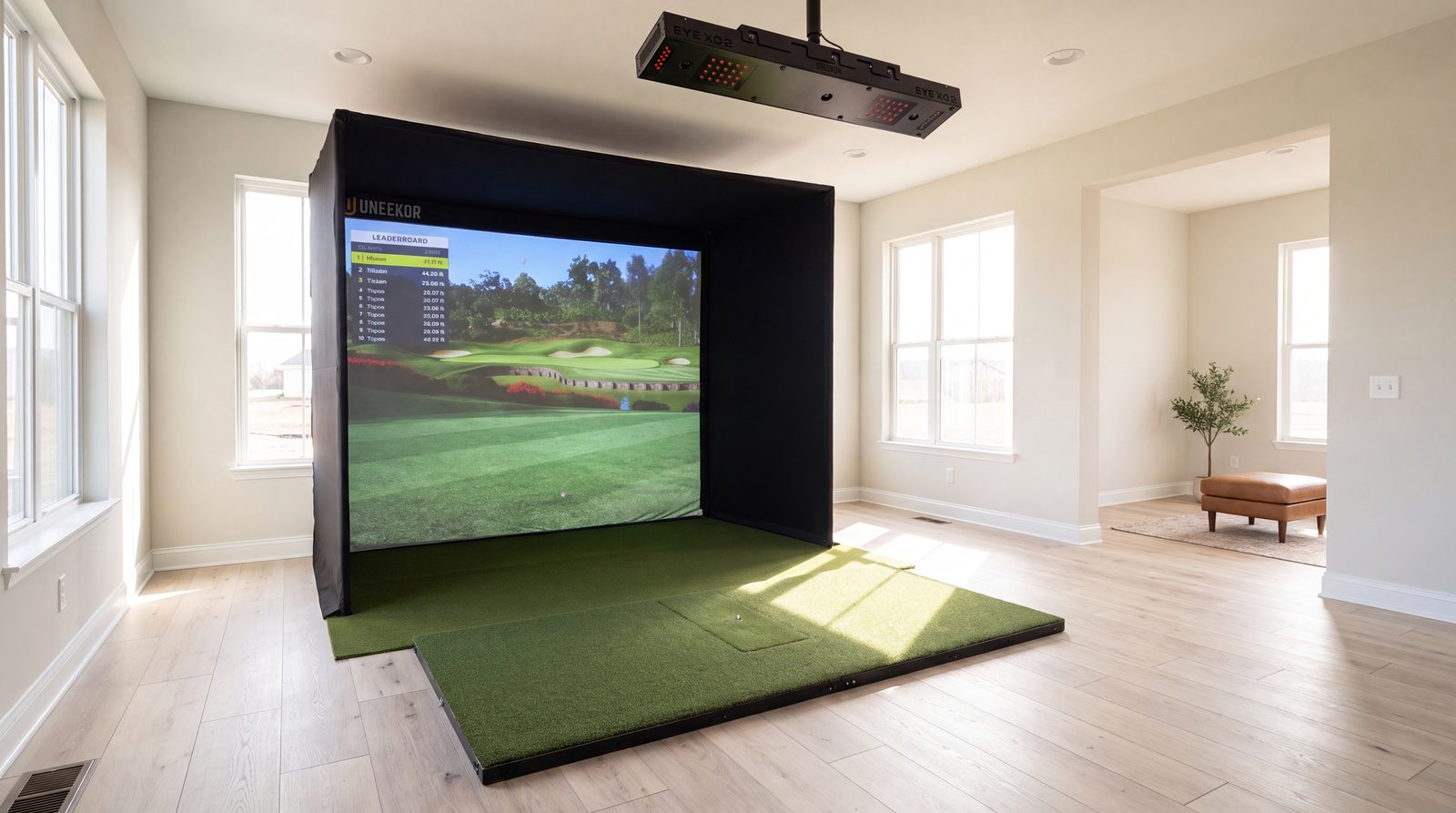
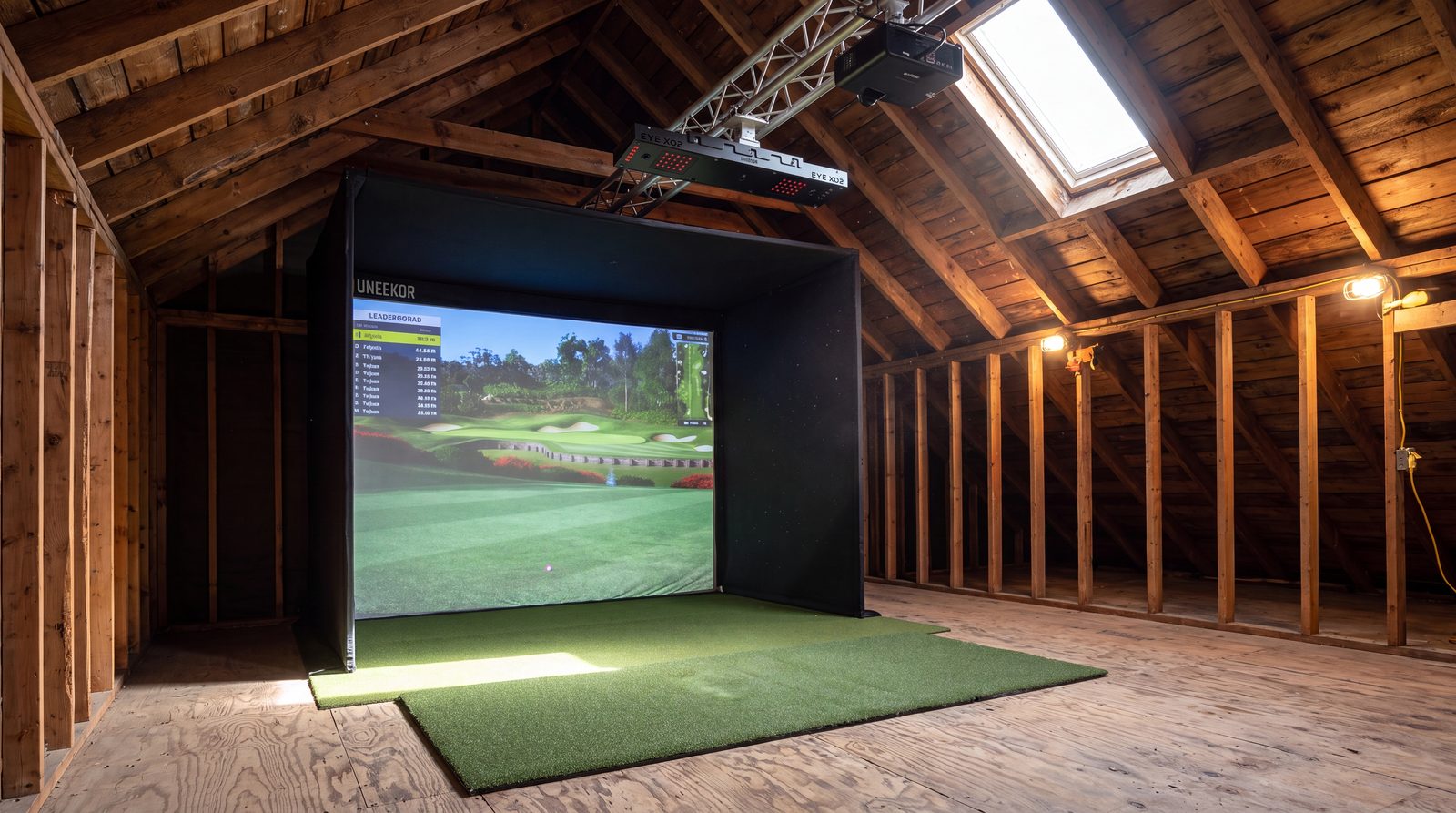
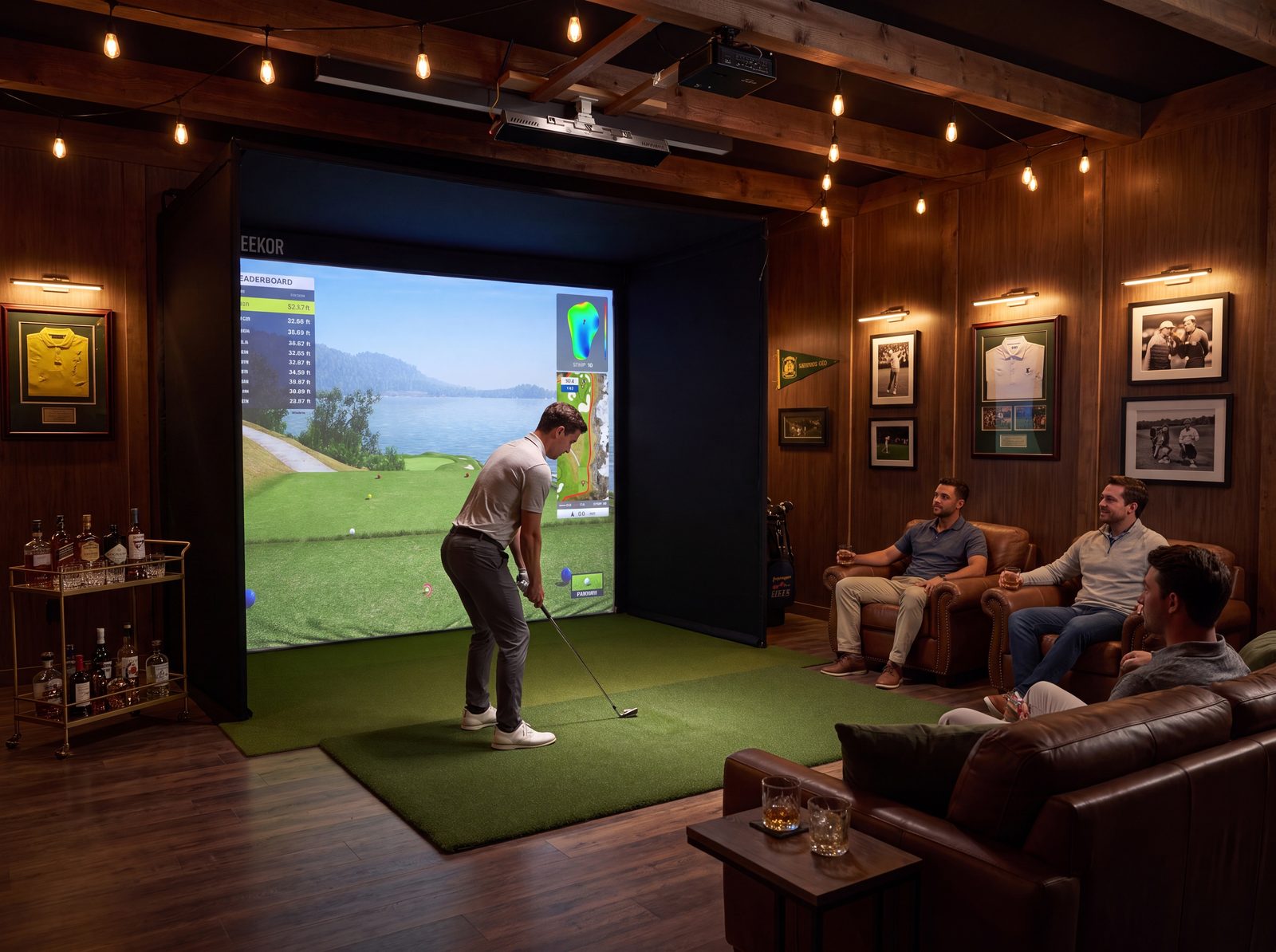
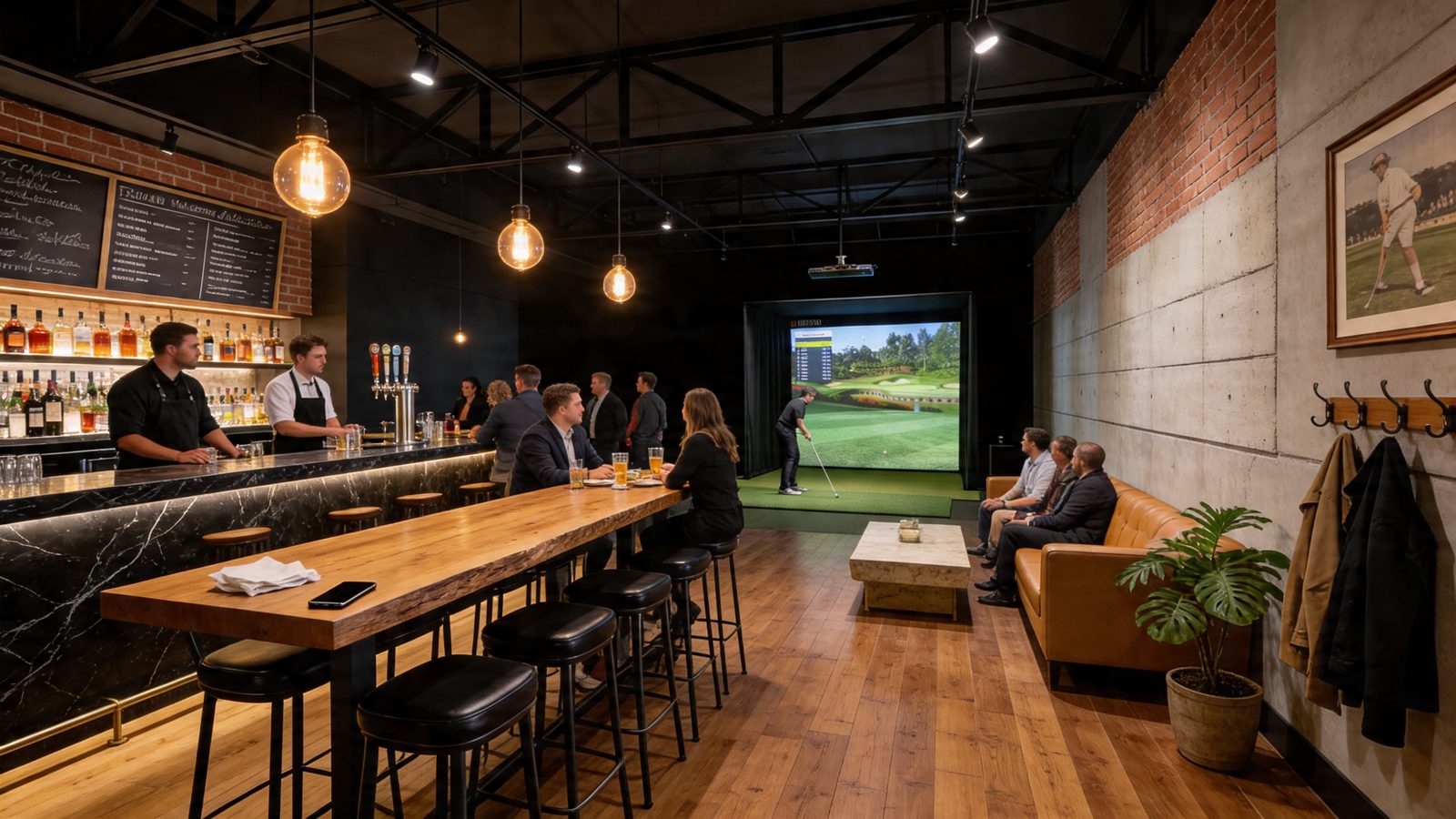
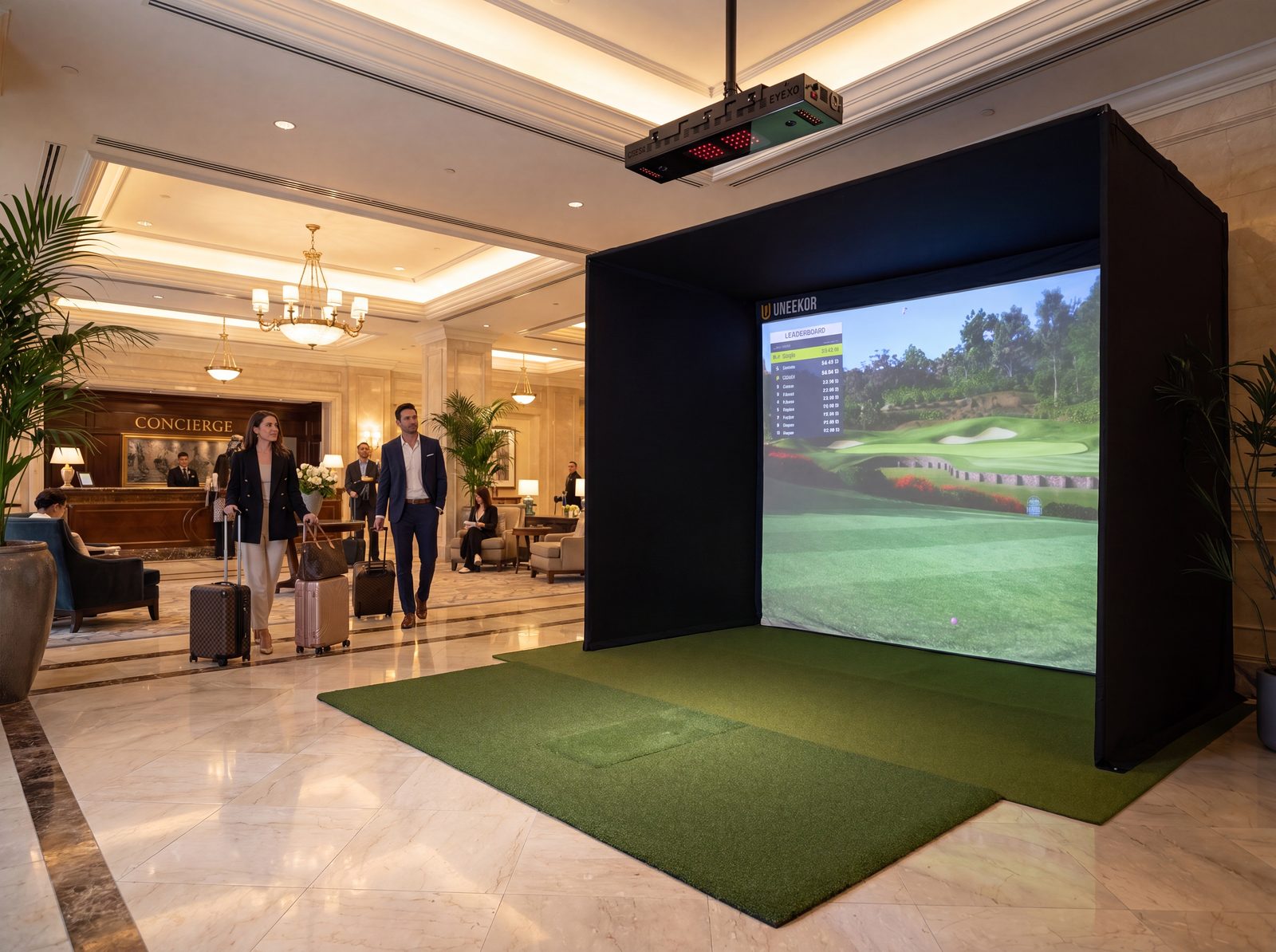
A few examples, each generated with AI from basic product renders and room references: a home, a loft, a bar and a hotel, with no crew or location.
It doesn't stop at stills.
The same pipeline produces motion. This clip was AI-generated end to end, showing product-in-motion and creator-style content without a crew.
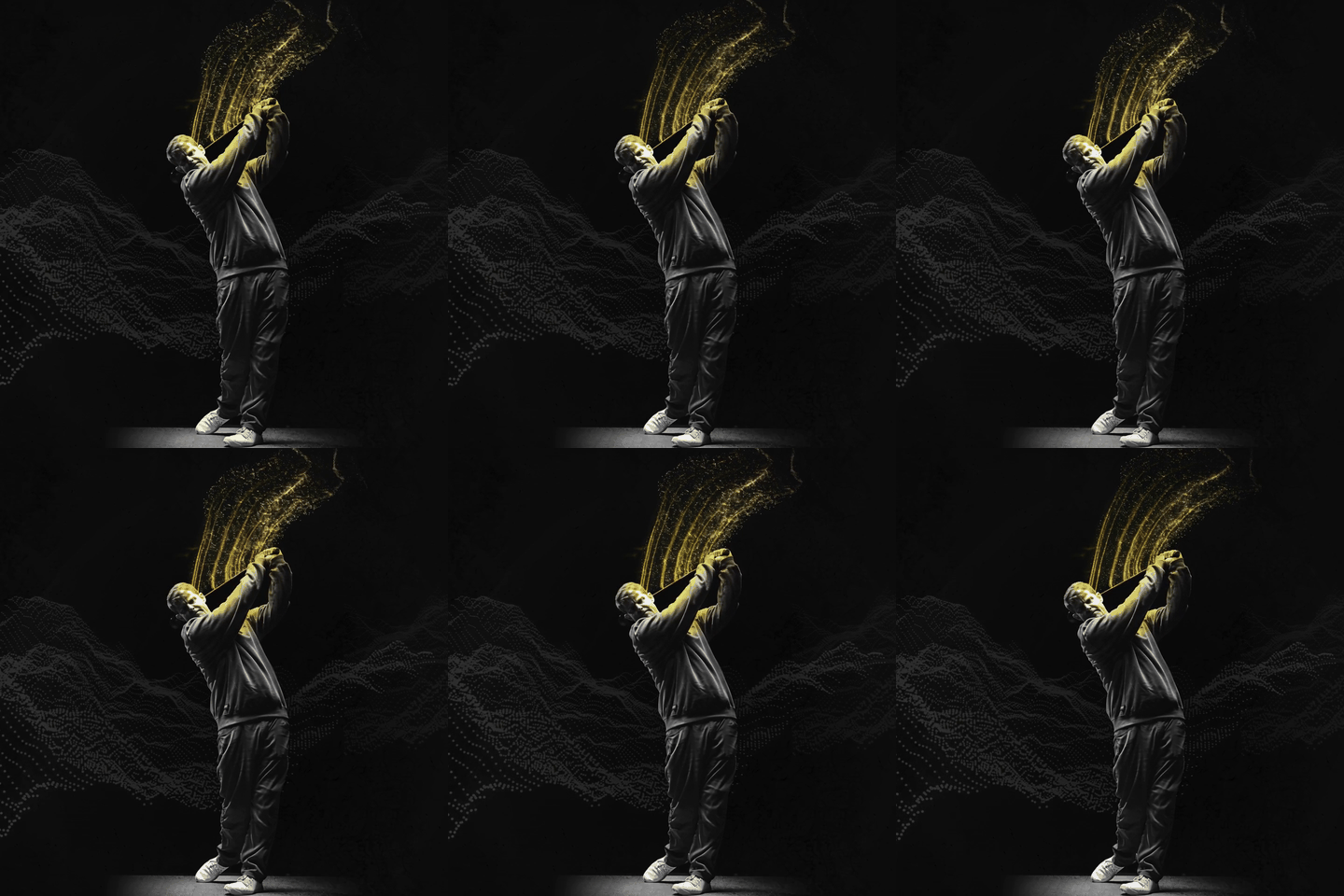
AI-generated clip, no cameras involved (auto-looping)
How I work with AI
Fast, with a
human in control.
Three rules I apply to every automation.
A human approves what goes out
AI drafts and prepares; a person signs off anything customer-facing, spend-affecting or irreversible.
Repeatable beats clever
If it can't be run again next week by someone else, it isn't done.
Measure the output
Every automation is tied to a number: time saved, cost per asset, speed to launch, or revenue it supported.